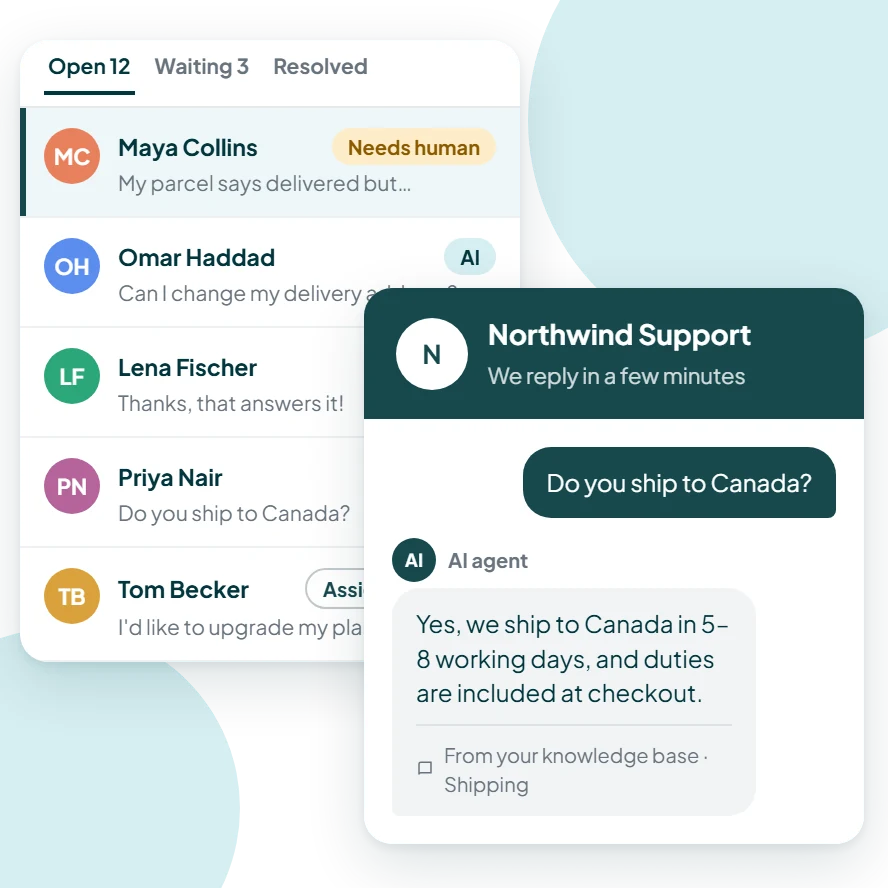
Notifications · Free on every organization
Know when you're needed, and only then
Choose exactly which events notify you and how, and set quiet hours so your phone stays silent when you're off. Important conversations never slip through, and unimportant ones never interrupt.
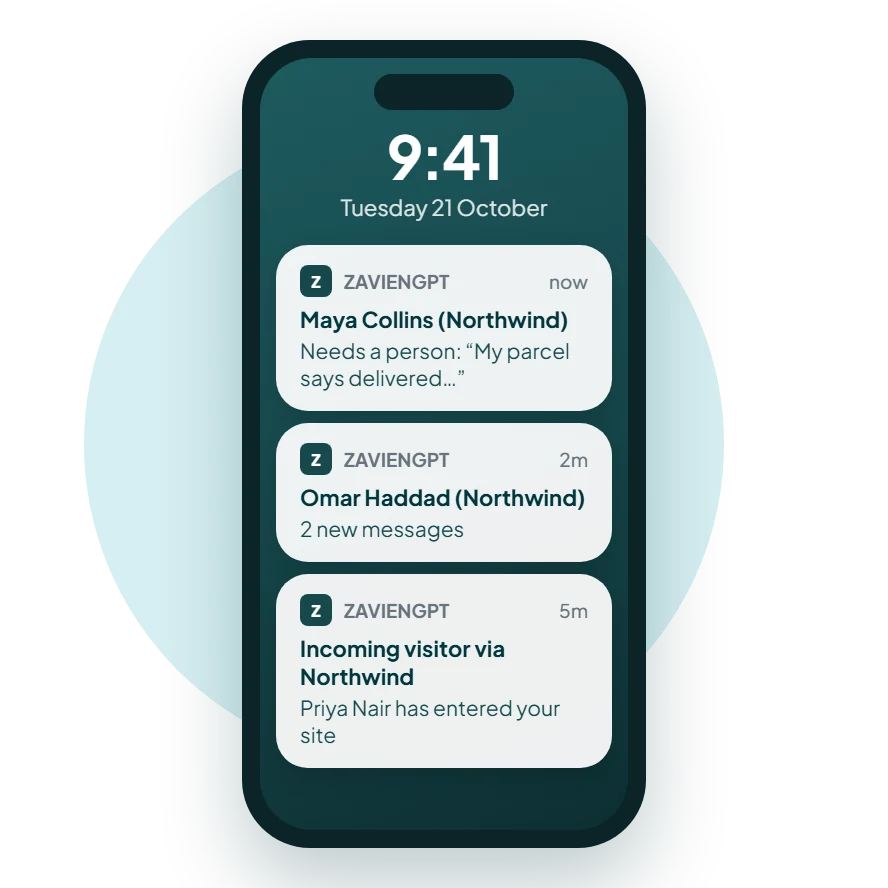
Why notification settings matter in customer support
Support teams live with constant alerts, and too many of them means the important ones get ignored. Per-event settings let each person keep only the alerts that need them.
Quiet hours protect evenings and weekends, while the missed-conversation email makes sure nothing is forgotten when nobody is watching.
In detail
Notifications, feature by feature
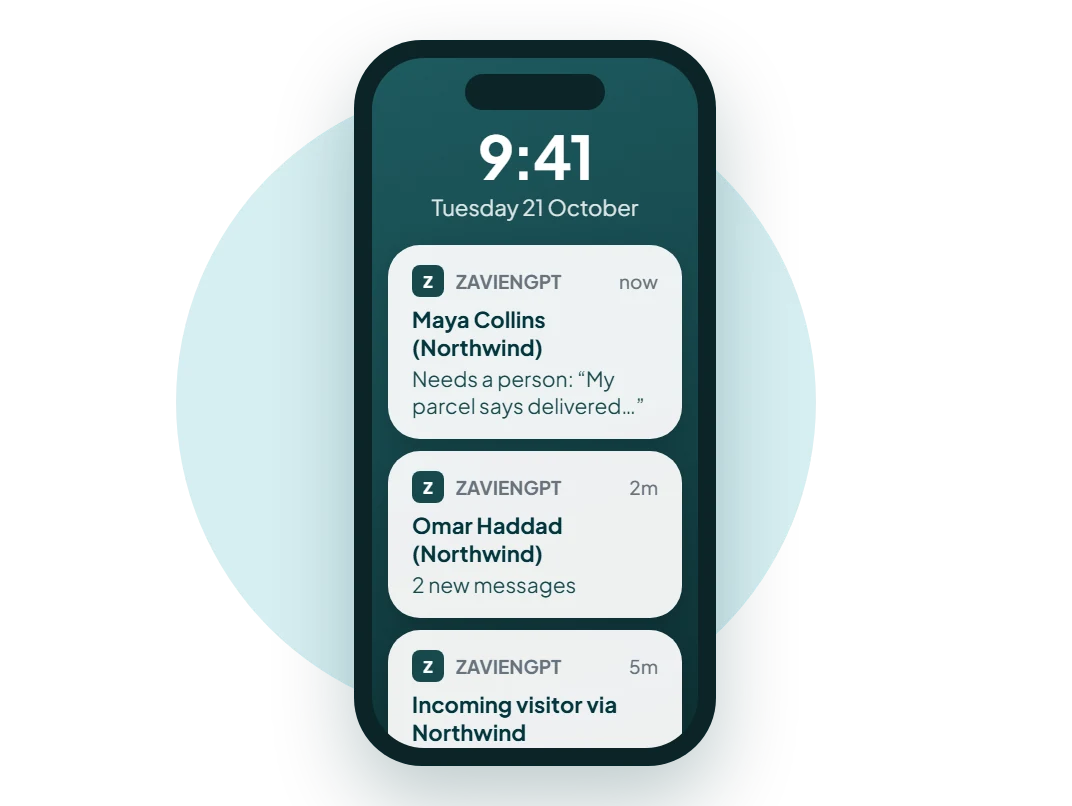
Turn each event on or off: new conversations, new visitors, hand-offs, resolved conversations, a teammate joining, assignments and mentions.
Notifications, live in three steps
Step 01
Pick your events
New conversations, hand-offs, assignments, mentions and more.
Step 02
Choose your channels
Push, in-app and email for the events that matter most.
Step 03
Set quiet hours
Choose when you don't want to be disturbed.
Try Notifications for yourself
A conversation nobody notices is a customer who leaves
A new chat that sits unseen for ten minutes is often a sale or a customer lost. Get told the moment someone needs you, on the device you have with you, and stay quiet when you're off.
What sets Notifications apart
Per-event control
Turn each type of alert on or off.
Quiet hours
Silence that follows your own time zone.
A safety net
An email when a conversation waits too long.
On-call cover
Turn on hand-off alerts only for whoever is on call.
Managers
Get emails for assignments and mentions, not every chat.
Part-time teams
Quiet hours outside your working days.
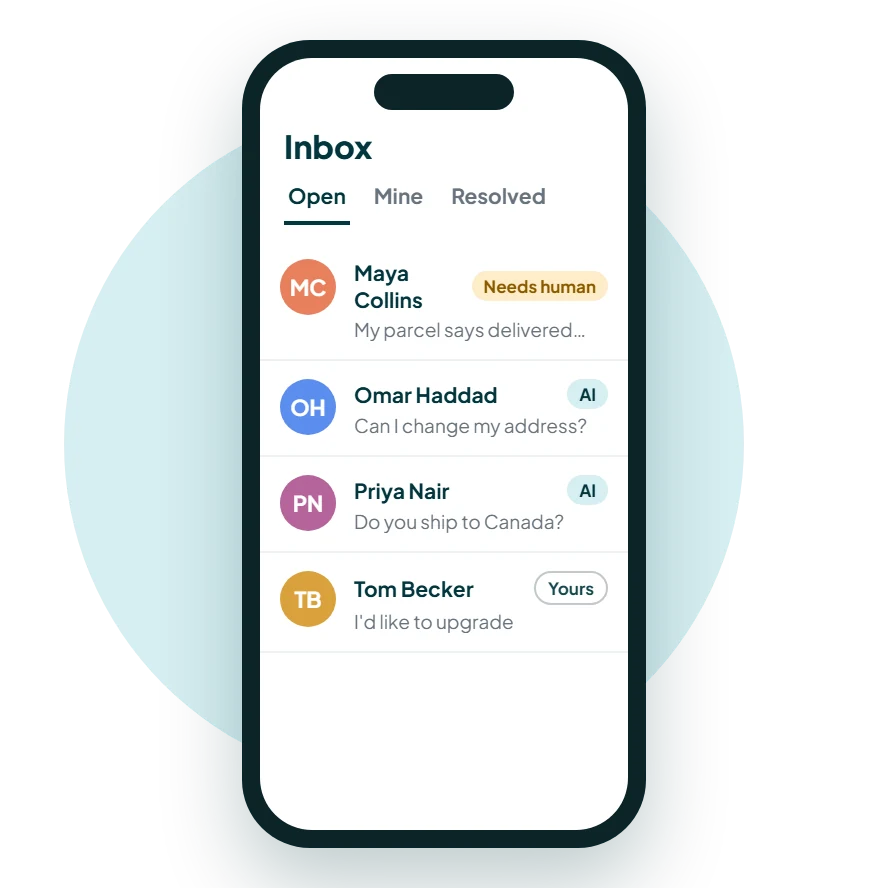
Answer on the go with our mobile app
Reply to customers, pick up hand-offs and get notified from your phone. The iOS and Android apps are free on every organization.
Get the appThe platform is free
AI Assist, from free
Hobby
$0/month
100 AI credits a month, 0.5M characters of knowledge and 100 web pages.
Growth
$29/month
1,000 AI credits a month, 4M characters of knowledge and 500 web pages.
Business
$99/month
5,000 AI credits a month, 8M characters of knowledge and 2,000 web pages.
Enterprise
$399/month
20,000 AI credits a month, 12M characters of knowledge and 10,000 web pages.
Notifications questions, answered.
Ready when your customers are