
Install guides
Add an AI chatbot to your website
One snippet works on every website. Pick your website builder for the exact steps, from copying the snippet to your first test message.
Get your snippet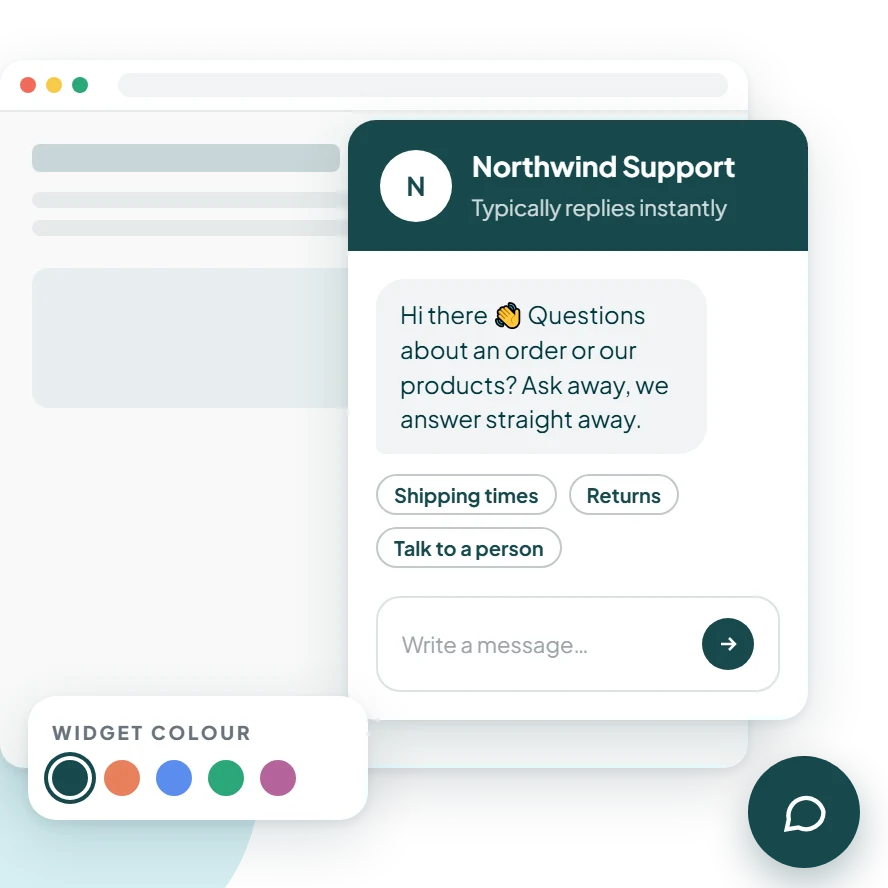
Pick your website builder
WordPress
Add the chat widget to every page of your WordPress site with a free header-and-footer plugin, so it stays in place when your theme updates.
See the stepsShopify
Add the chat widget to your Shopify theme so shoppers can ask about shipping, returns and sizing on every product page and at checkout's door.
See the stepsWix
Wix lets you add a script to every page from your site's settings. Paste the snippet there once and the widget shows across your site.
See the stepsWebflow
Add the snippet to your Webflow project's footer code once, publish, and the widget appears on every page.
See the stepsSquarespace
Squarespace's Code Injection adds a script to every page. Paste the snippet into its footer field and the widget appears across your site.
See the stepsReact and Next.js
The widget is one script tag, so it works in any React app. In Next.js, load it with next/script in your root layout so it's on every route.
See the stepsAny website
If you can edit your site's HTML, you can add the widget: paste one snippet before the closing body tag of every page, or of the template they share.
See the stepsOne snippet. Live in minutes.
Paste one line before the closing body tag of your site and the chat widget appears on every page. Colours, greeting, office hours and the AI agent are all set from your dashboard, with no more code.
Get your snippet<script
async
src="https://widget.zaviengpt.com/widget.js"
data-organization-id="YOUR_ORGANIZATION_ID"
></script>